
Changing MVHR filters – how often and how?
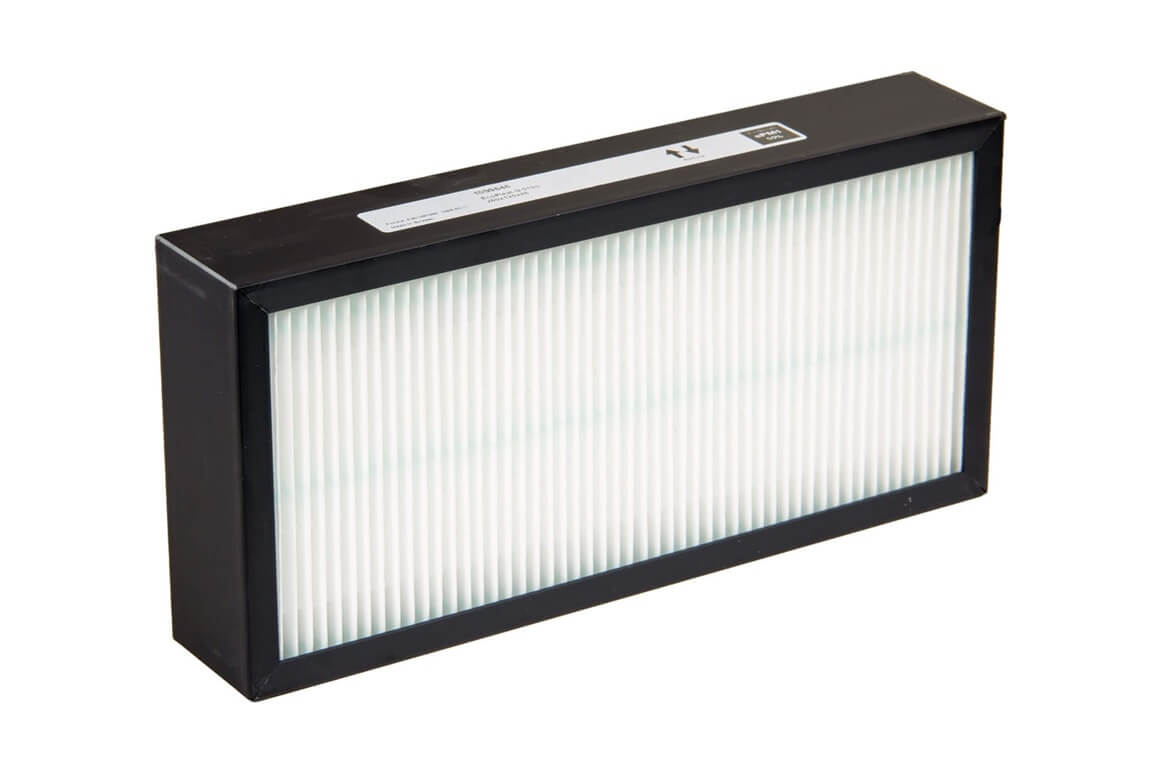
We recommend replacing the filters in your Acetec heat recovery ventilation unit at least once a year. If there is a lot of dust, pollen or other airborne particles in your area, you may need to replace them twice a year or more often. Always follow the instructions for your particular unit and replace dirty filters sooner.
How often should you change the filters in an MVHR unit?
For our EvoAir units, changing the filters at least once a year is a good starting point. You may need to replace them more often if the unit handles a high level of airborne particles. Spring and autumn can be useful times to check them, but base replacement on how dirty they become and the maintenance instructions for your model.
A blocked filter increases resistance to airflow. This may reduce ventilation rates or increase electricity use if the fans compensate for the extra resistance. Regular replacement also helps keep dust away from components inside the unit.
For more advice, see the London City Hall guidance on maintaining home ventilation systems.
How do you know when the filters need changing?
Check the filters more often if you live near a busy road, have high pollen levels nearby or notice that dust collects quickly. Do not wait until the next scheduled replacement if there are clear signs of blockage.
- The filters are heavily soiled.
- The unit displays a filter or service reminder, if your model has this feature.
- Airflow seems weaker or the unit sounds different from usual.
- The replacement interval specified in the user manual has been reached.
A filter may need replacing even if it does not look particularly dirty. Reduced airflow or unusual noise can also have other causes. If the problem remains after you have changed the filters, have the unit checked.
Replace the supply and extract air filters together
An MVHR unit normally has two filters. The supply air filter captures particles from outdoor air before it enters your home. The extract air filter captures dust in the air leaving your home and helps protect the unit's internal components.
We recommend replacing both filters at the same time. Check whether your model uses the same filter on both sides or requires two different types. Remember that a filter sold individually will not necessarily be enough for the whole unit.
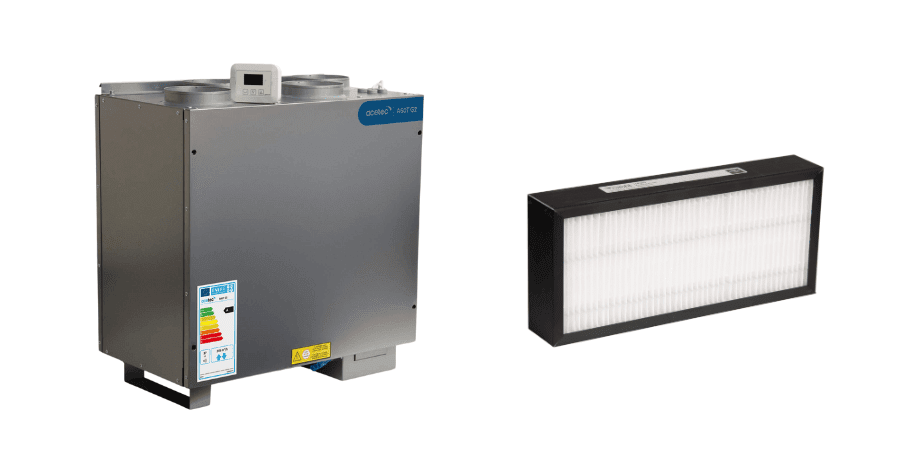
How to change the filters in your ventilation unit
Filter positions and access panels vary between models. Always follow the user manual supplied with your unit. These steps are general guidance, not a replacement for the manufacturer's instructions.
Important safety warning! Before opening the unit, stop it and isolate it from the mains supply using the designated isolator, as specified in the manual. Selecting stop or standby on the control panel does not safely isolate the electrical supply. Live electrical parts, unexpected start-up, rotating fans and hot components can cause injury. Wait until all moving parts have come to a complete stop and any heating coils or other hot components have cooled down. Observe the waiting times specified for your model. Never open electrical compartments or covers that are not intended for user filter replacement. If you cannot safely isolate the unit, ask a qualified professional for help.
- Check the model and filters. Make sure the replacements have the correct type, dimensions and filter class.
- Stop and isolate the unit. Follow the user manual and check that the fans have stopped completely and any hot components have cooled down.
- Open the filter access panel. Only open the designated panel and carefully remove the old filters. Consider wearing protective gloves, as edges may be sharp and the filters may be dirty.
- Fit the new filters. Check the markings and any airflow direction arrows, and make sure the filters sit correctly without gaps.
- Close and restart. Close the panel securely, reconnect the power supply as instructed and check that the unit operates normally. Reset the filter reminder if required.
Do not carry out electrical servicing or internal cleaning beyond what the user manual permits. Contact a qualified professional if more extensive maintenance is needed.
For example, see our filter replacement instructions for the EvoAir A100S G3, which also explain the safety steps for that model.
Which filters fit your ventilation unit?
Before ordering, check the model name and product number on the unit's rating plate or in the user manual. Different generations of the same model may use different filter sizes. Do not choose a filter based on appearance alone.
Our range includes genuine filters for our ventilation units. You can also use our filter finder to search by model, product number or dimensions. If you need help identifying your unit, contact our technical support team.